|
It's very easy to creat
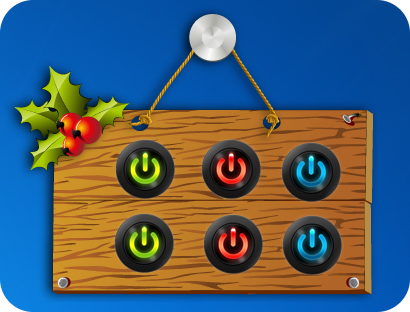
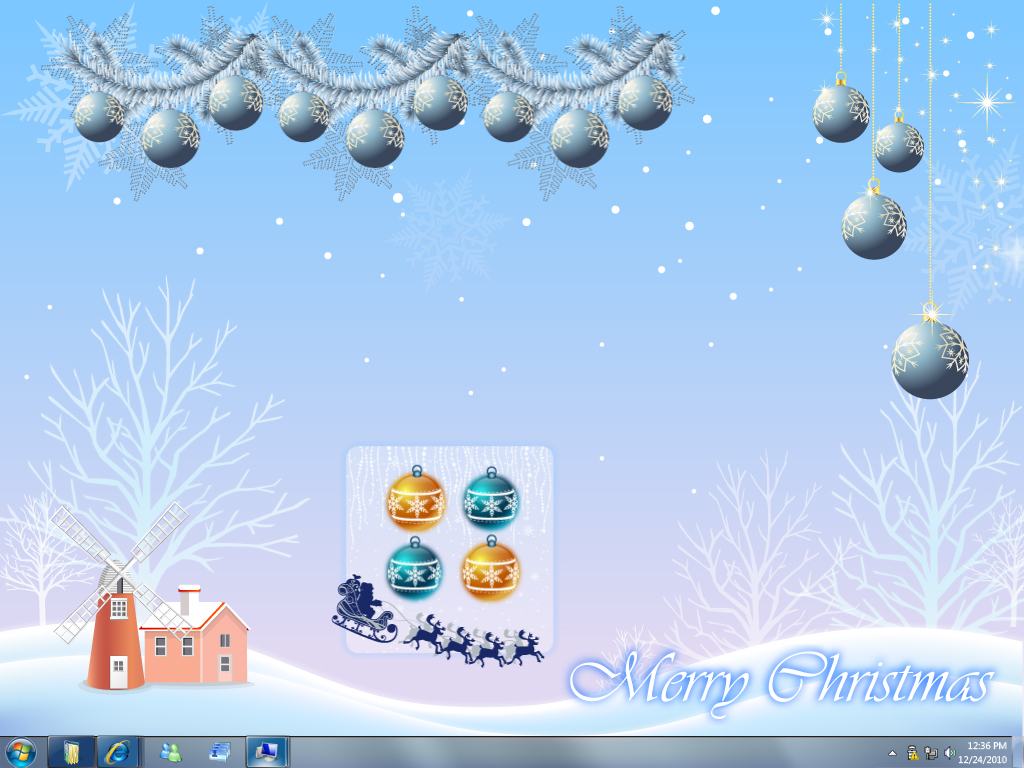
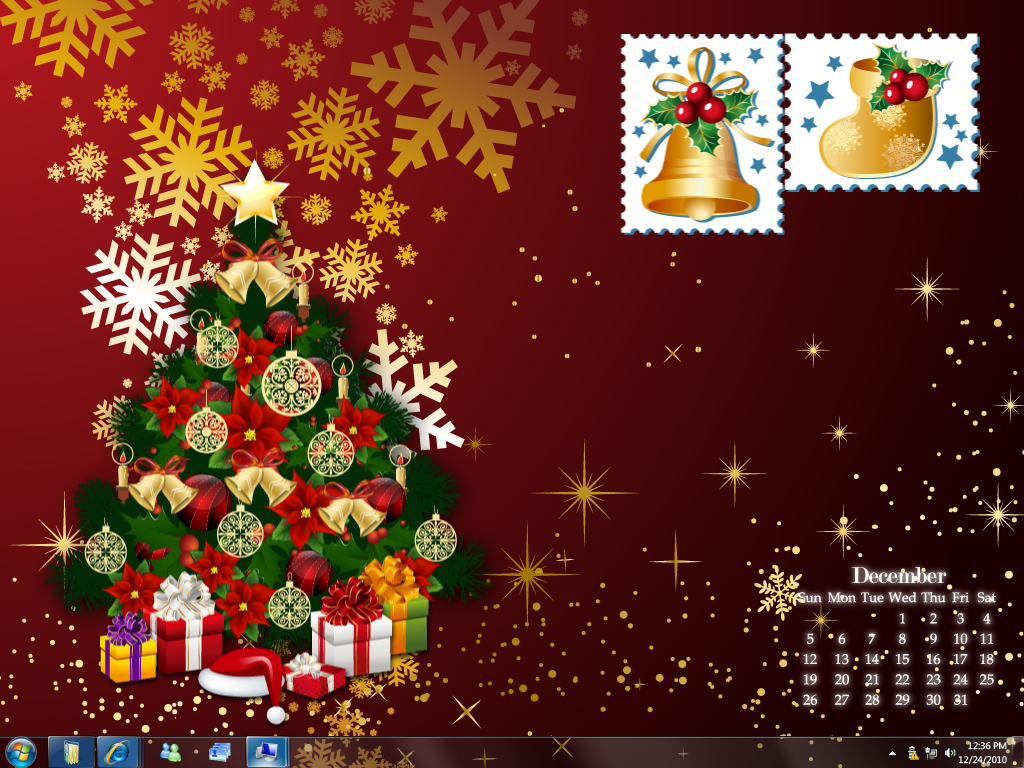
Christmas buttons or widgets on your desktop with N-Button
Pro or N-Button Lite. The Christmas
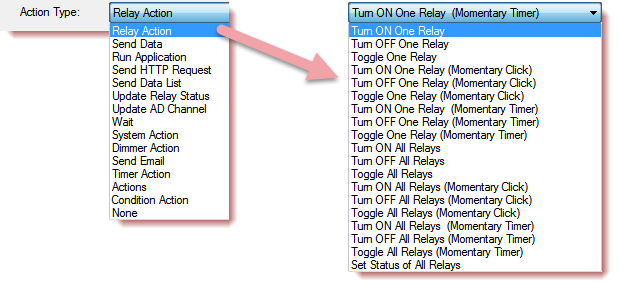
widgets can control your christmas tree with relay controller board. You also
can set the Christmas buttons to run an application, send data and HTTP request.
-
Download and install
N-Button Pro
or
N-Button Lite
- Download Christmas sample N-Button configuration zip file.
(Including *.nbc file and *.files folder)
-
Run N-Button, right-click N-Button
icon on Windows task bar (Lower right corner of your
screen) to show Pop-up menu.
-
Click “Import Config File” to load *.nbc file.
(Be sure the *.files folder is together
with the *.nbc file.)
-
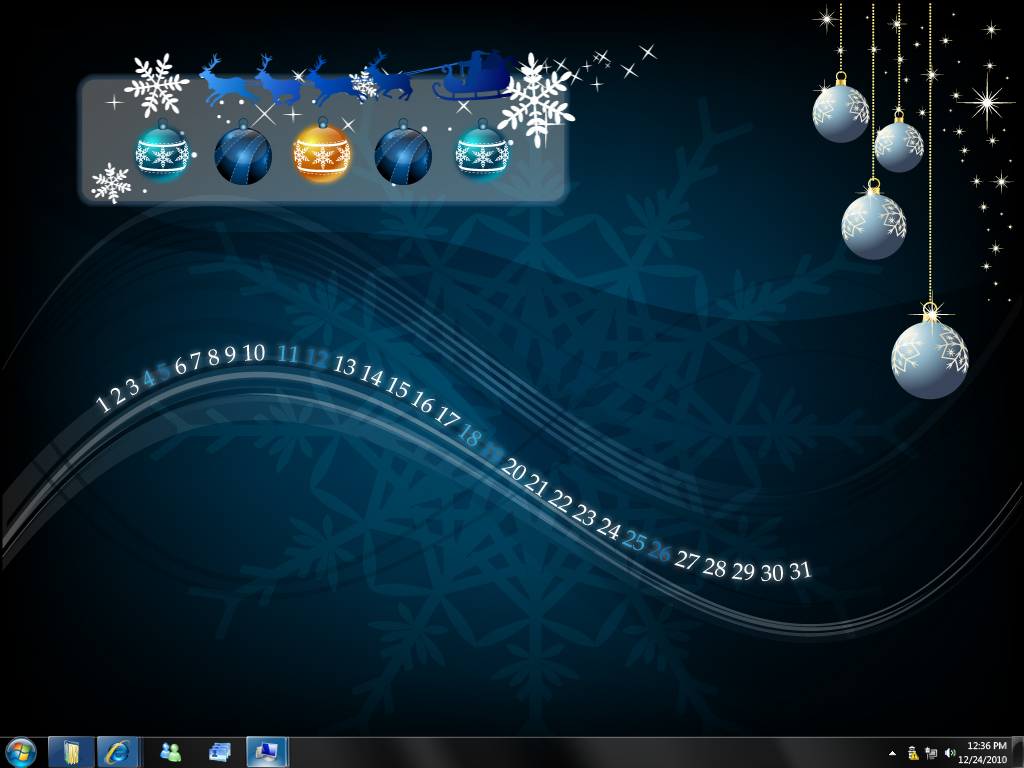
The christmas widget will float on your desktop now.
-
Be sure to select
COM Port and Baut Rate for your connected relay board or other device for the
Christmas widgets.
-
You can also create your own Christmas widget with
your favorite images.(Add button image to
N-Button Gallery
first.)
|