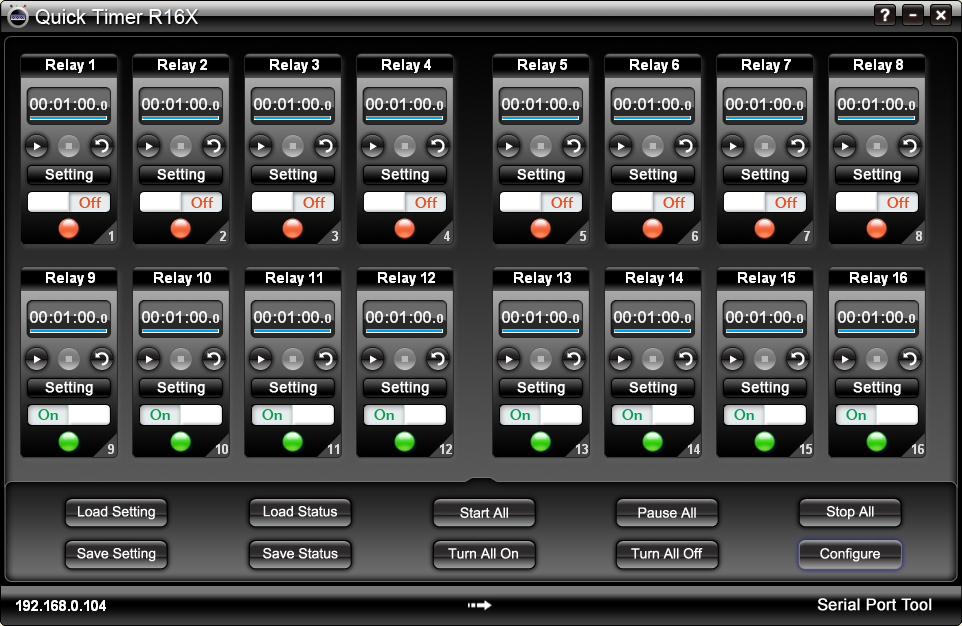
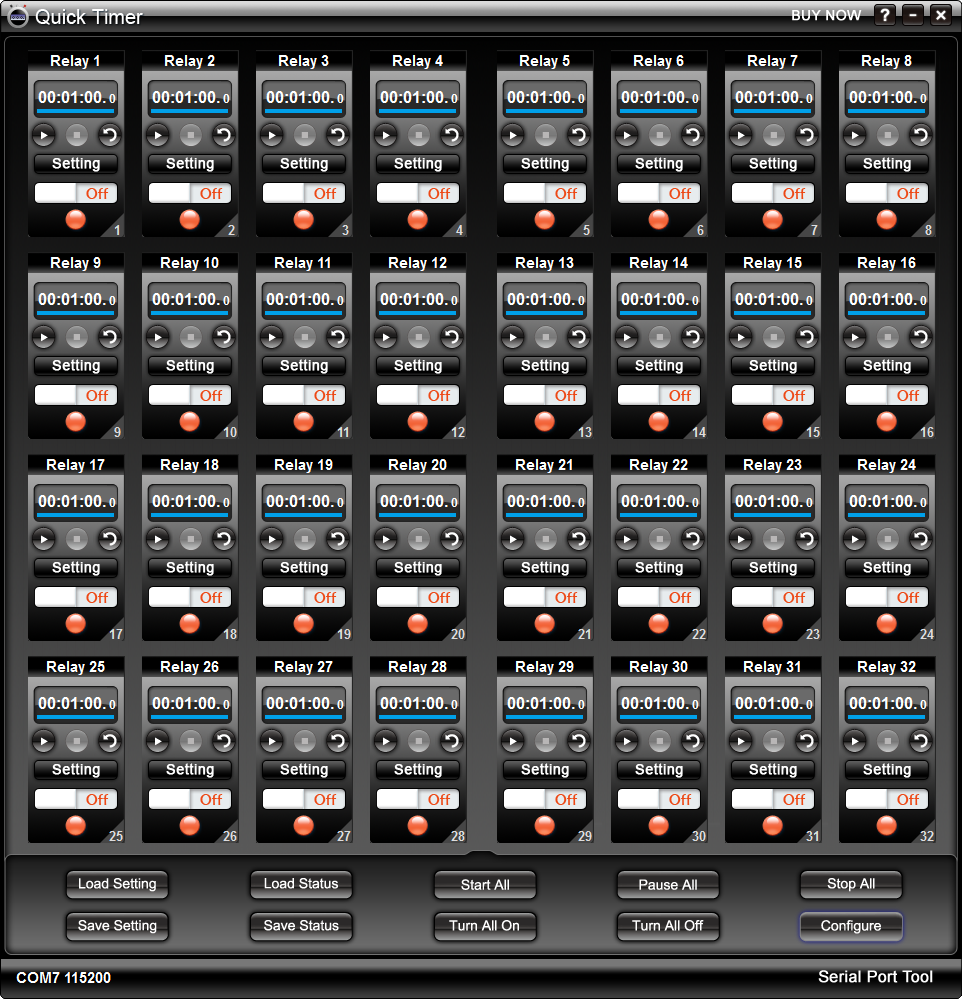
1. How to Set Connection
In order to control your device with Quick Timer R16X, be sure
to connect NCD 16-channel relay board with your computer and connect your device with
the relay board at first, then set the connection as below.
Click Configure button to show Configuration dialog.
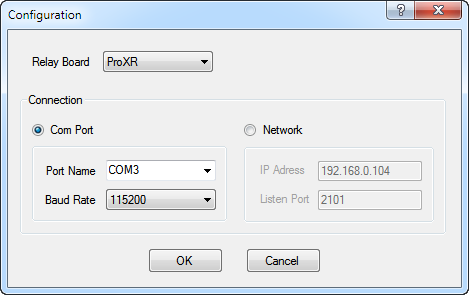
Select the type of the reay board.
Select the type of connection.
Click OK to finish setting.
2. How to Turn On/Off Relay Manually
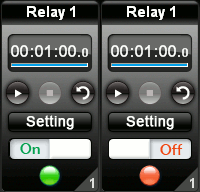
In manual mode, the switch button is avilable.
Click the switch to turn on the relay. The light becomes green.
Click the switch again to turn off the relay. The light becomes red.
3. How to Turn On/Off Relay Automatically
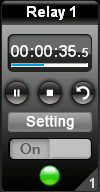
The relay must be set before it step into auto mode.
Click Setting button on the relay control panel to open Relay
Setting dialog.
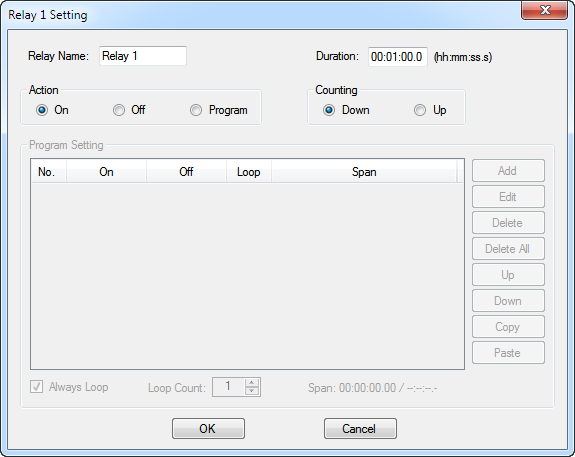
Input Duration, select Action and Counting mode.
Click OK to finish timer setting.
Click the Start button on relay control panel to step into auto
mode . The relay will work according to above setting automatically.
Click the Pause button to pause auto mode. Click the Stop
button to stop auto mode. The status of relay can be controlled manually now.
Click the Repeat button down to repeat meauring
time.
If Action -->Program is selected. Program editor will be available.
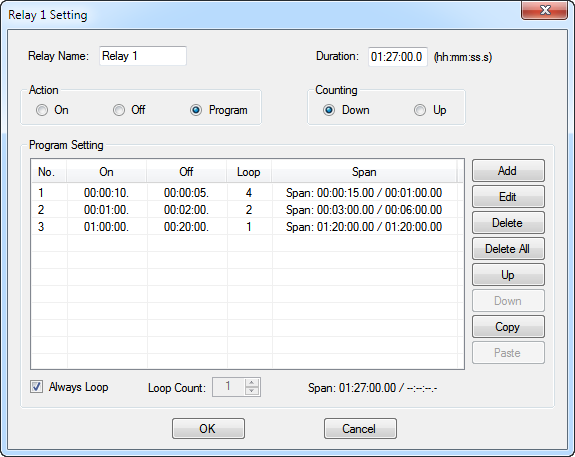
Click Add button to open
Item Setting dialog.
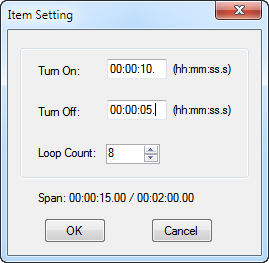
Input time for Turn On and Turn Off. Select
Loop Count.
Click OK to return Relay Setting dialog.
Different items can be added by this way.
All kinds of complicated time setting can be realized here. This
is a really programmable timer.
4. Rapid Buttons